mirror of
https://github.com/olexsmir/dotfiles.git
synced 2026-01-15 08:41:34 +02:00
| .. | ||
| icons | ||
| autostart.sh | ||
| config.py | ||
| kblay.sh | ||
| kblayout.py | ||
| README.md | ||
| screen.png | ||

Qtile config
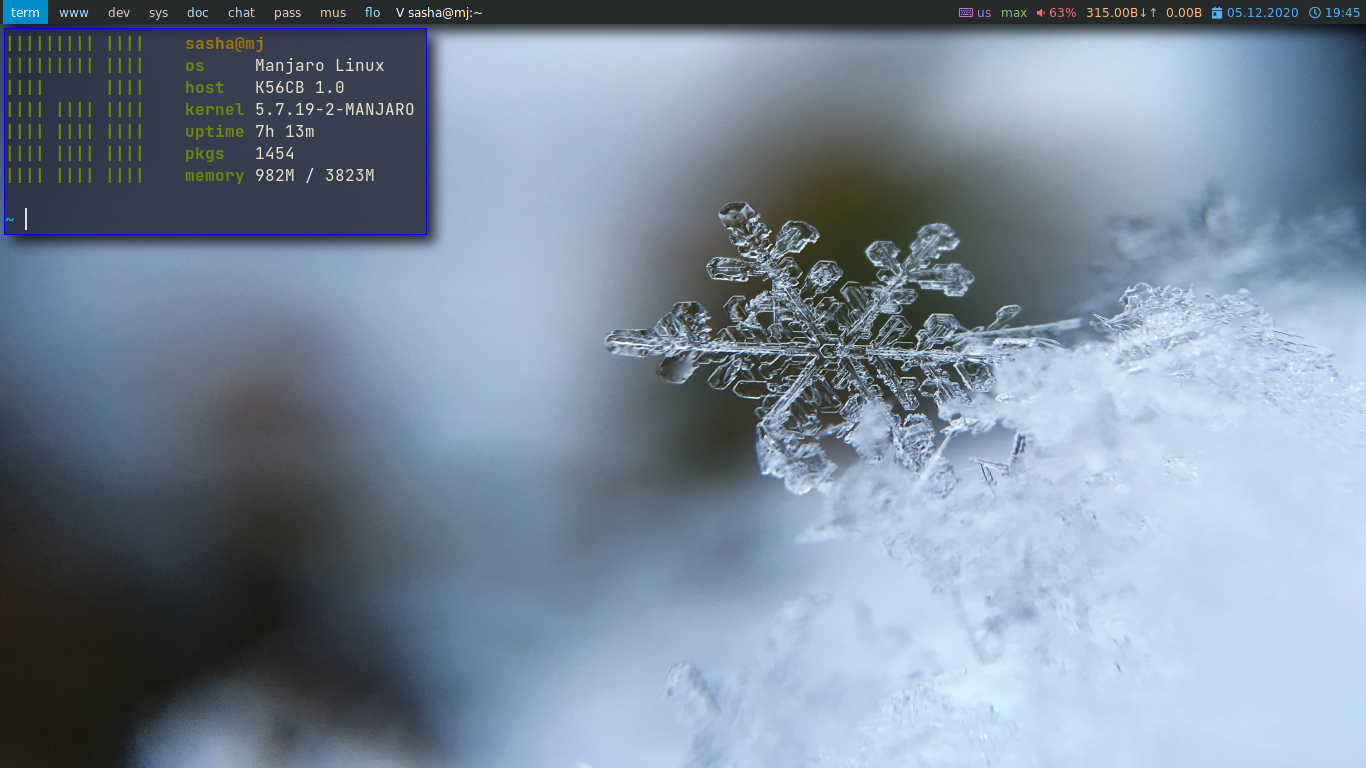

Install
sudo pacman -S qtile
yay -S xkblayout
Autostart
setxkbmap "us,ru,ua" ",winkeys" "grp:alt_shift_toggle" -option "ctrl:nocaps"
/usr/lib/polkit-gnome/polkit-gnome-authentication-agent-1
nitrogen --restore
picom -b
Keybindings
| Hotkey | Action |
|---|---|
| MOD + RETURN | Open termianl |
| MOD + SHIFT + RETURN | Open program launcher(rofi) |
| MOD + r | Open qtile spawn menu |
| MOD + TAB | Change layout |
| MOD + q | Kill focused window |
| MOD + CONTROL + r | Restart qtile |
| MOD + 1-9 | Switch focus to workspace |
| MOD + SHIFT + 1-9 | Send focused window to workspace |
| MOD + h/j/k/l | Change focus window |
| MOD + SHIFT + h/j/k/l | Move focused window |
| MOD + CONTROL + h/j/k/l | Resize focused window |
| MOD + -/+ | Plus/minus 2% volume |
| MOD + SHIFT + - | Mute volume |
| MOD + CONTROL + i | Open passmenu |
| MOD + CONTROL + u | Open config edit Power menu |
| MOD + Escape | Open power menu |
| Screenhot(scrot -s) | |
| SHIFT + Print | Full screen screenhot |
| MOD + ALT + t | Open ~/.todo file in neovim |